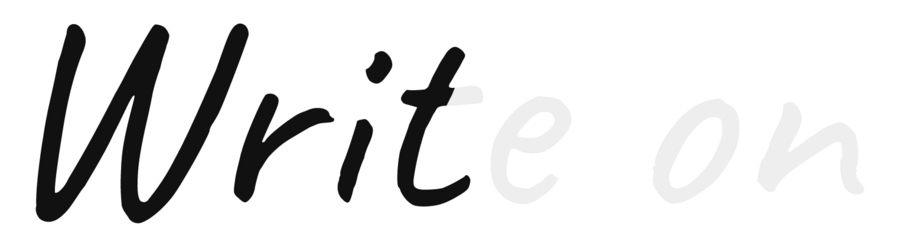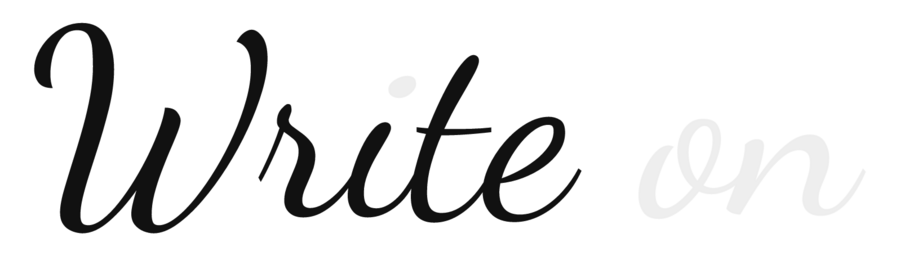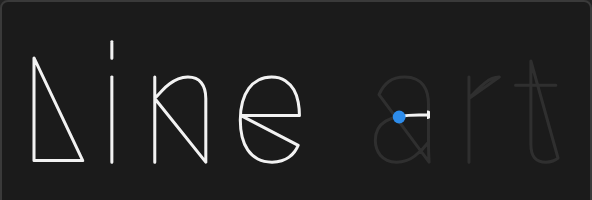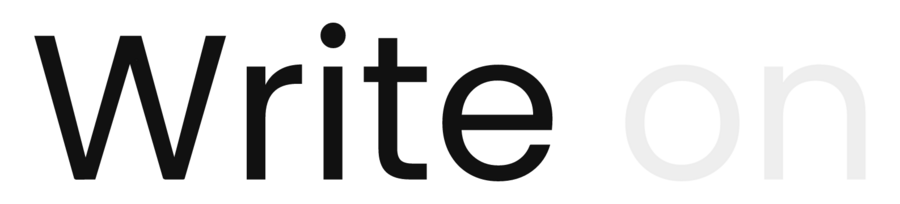
Sans and serif
Stems top to bottom, bowls counter-clockwise; crossbars, dots and accents come last.
Tested with After Effects 2026
Easy Write-On turns a text layer into a natural handwriting animation in one click. Stroke order, direction and timing are worked out for you, in the font you already use.
Trim Paths on a text outline draws the outline, not the pen. The usual fix is drawing a centre line for every letter by hand. Easy Write-On finds the centre line of each letter, decides the order and direction of every stroke, and builds a live matte you can keep editing.
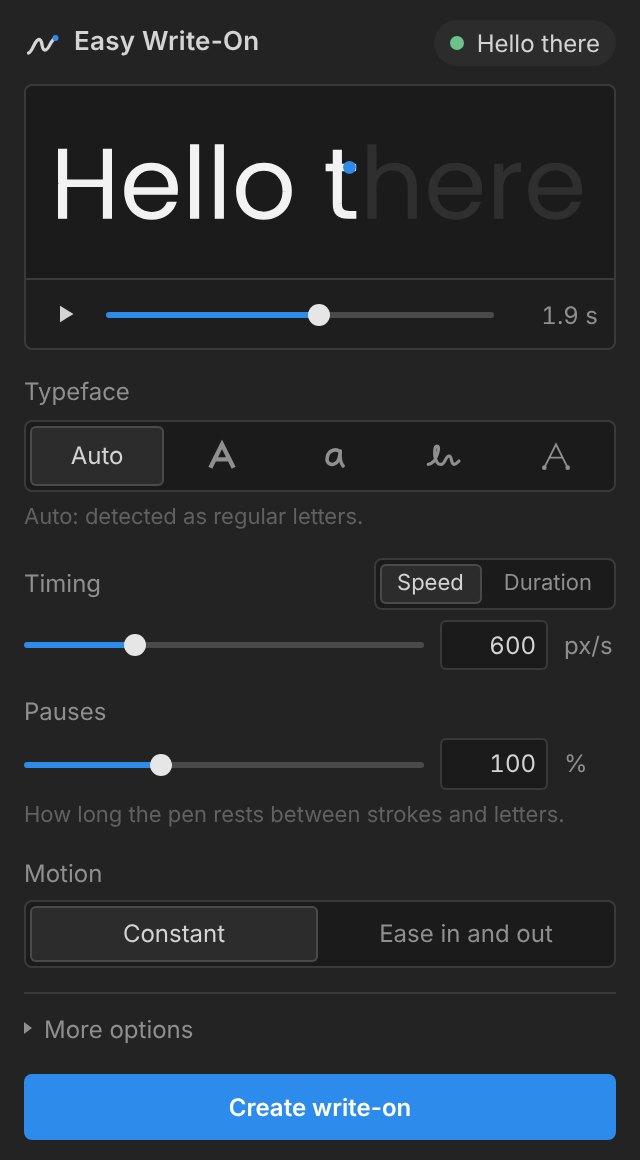
The preview writes itself in the panel, before anything in your composition changes.
A writing speed or a fixed duration, pauses between strokes, constant or eased motion.
Two native layers appear above your text: the letters, and a matte with one set of controls.
Auto recognises the kind of font and picks the matching approach, so most of the time you never touch this.
Play and scrub the result in the panel before you build anything.
No preset alphabets and no font library to buy. Use your client's typeface.
Fit a locked edit to the frame, then fine-tune pauses and easing.
Progress, stroke pause, letter pause and matte width live on a single layer.
Shape layers, Trim Paths and expressions. Projects open without the panel installed.
Create again with new settings, or remove the layers and get your text back.
Try the full tool first. The trial does everything, but writes only the first 10 characters of each layer.
Easy Write-On
Launch price
$19 $29
Single-user license, sold through aescripts + aeplugins
Yes, with any font After Effects can display: sans, serif, handwriting, script and single-line fonts.
No. The result is native shape layers, Trim Paths and expressions, so a project opens and renders anywhere.
Move the Progress keyframes to retime, adjust pauses and matte width on the matte layer, or use Create again.
Switch the typeface type or show the stroke order in the preview. Every stroke stays editable in the matte.
Yes, for example a logo or single-line artwork pasted from Illustrator.
Everything, including the live preview. It writes the first 10 characters of each layer.